


A smudgy fingerprint on your TV screen or a layer of dust you have been ignoring for two weeks finally gets to you, so you grab whatever is nearby and start wiping. Maybe it is a paper towel. Maybe it is a corner of your shirt. Whatever it is, it is almost certainly the wrong choice.Flat-screen TVs, whether OLED, QLED, or standard LED, have sensitive surface coatings that scratch and degrade far more easily than the glass screens on older sets. Treating them carelessly, even once, can leave micro-abrasions that dull your picture quality over time. The good news? Cleaning your TV safely is genuinely easy once you know what you are doing.The only tool you actually needBefore you reach for anything, grab a soft, lint-free microfiber cloth. The research published in Building and Environment confirms that a dry microfiber cloth is enough to handle most everyday dust and smudges without any risk of scratching the screen’s surface. Paper towels, tissue paper, and old T-shirt fabric might feel soft, but they are abrasive enough at a microscopic level to leave marks over time.For dust settled into vents or around the bezel, canned air works great, just hold the can upright, stay about six to eight inches away, and use short bursts rather than a long, sustained spray. That last part matters: continuous spraying can send moisture or freezing propellant into your TV’s internals.Put down the cleaning sprayThis is the part most people get wrong. Going for an all-purpose glass cleaner from your household cleaning supplies might end up destroying your screen. Cleaning fluids made of ammonia, ethyl alcohol, acetone, or acetate will remove the coating protecting the surface of the display, resulting in clouding, discolouration, and ultimately damage to the pixels themselves. If you require something more than just a dry rag, distilled water is the best option. Ordinary tap water contains minerals that can leave deposits. If you are dealing with dirt, a highly dilute mixture of distilled water and one drop of detergent on your cloth, but not on the display itself, should work just fine.One quick trick: Never apply any fluids to the display surface itself. Always apply liquid to your cloth first, wring it out until it is barely damp, then wipe gently. The study published in the Journal of Physical Chemistry on OLED degradation mechanisms identifies moisture ingress as a primary cause of pixel failure. Once the liquid seeps past the bezel and into the panel, it triggers oxidation of the organic compounds inside, producing dark spots and permanent pixel burn-out that no cleaning or repair can reverse.
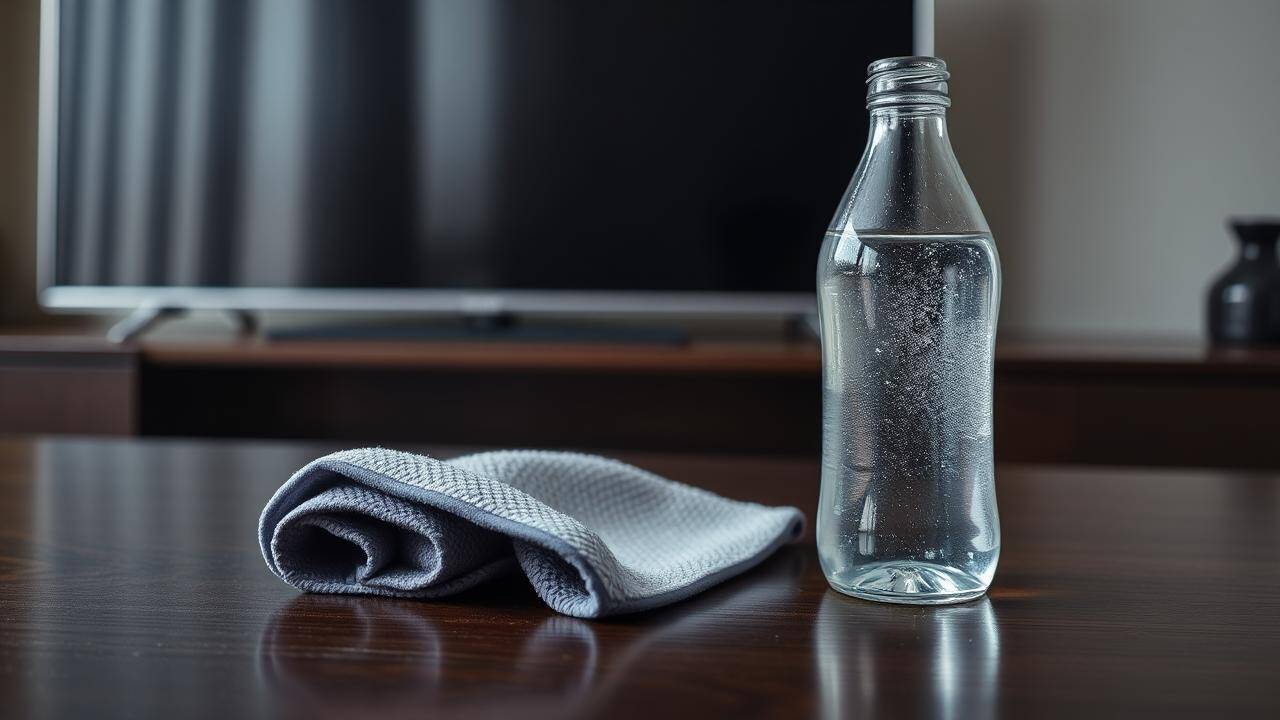
Distilled water, a microfiber cloth, and five minutes. It is everything your TV screen will ever need.
The right technique (it is simpler than you think)Start by switching off and unplugging your TV. A dark screen makes smudges easier to spot and removes the risk of electric shock. Then, take your slightly damp microfiber cloth and begin wiping gently in circles. You should avoid scrubbing and pressing; the objective is to remove any dirt without pushing it further into the surface.If you are testing a new cleaning solution, always try a tiny amount on a corner of the screen first. Once you are done, let the screen air dry completely before plugging it back in.Do not forget the frame and standYour television’s bezel, base, and rear area also become dust traps and can transfer the dust back to your TV screen as you clean them. Using a microfiber cloth, dry or slightly damp with distilled water, is also ideal for this purpose. Avoid using chemicals; plastic and matte surfaces tend to get stained very easily.The best cleaning is the one you do not have to doA little bit of prevention can go a long way. Keep the remote close by so that no one is tempted to touch the screen to control anything. If you really want to protect your set, you can get adhesive screen protectors made for flat-panel displays. They protect against oils and scratches without compromising picture quality.Cleaning your TV should be a five-minute job, not a source of anxiety. All you need is a microfiber cloth, distilled water, and a light touch to keep your screen looking brand new.